
Kase UK Long Exposure App
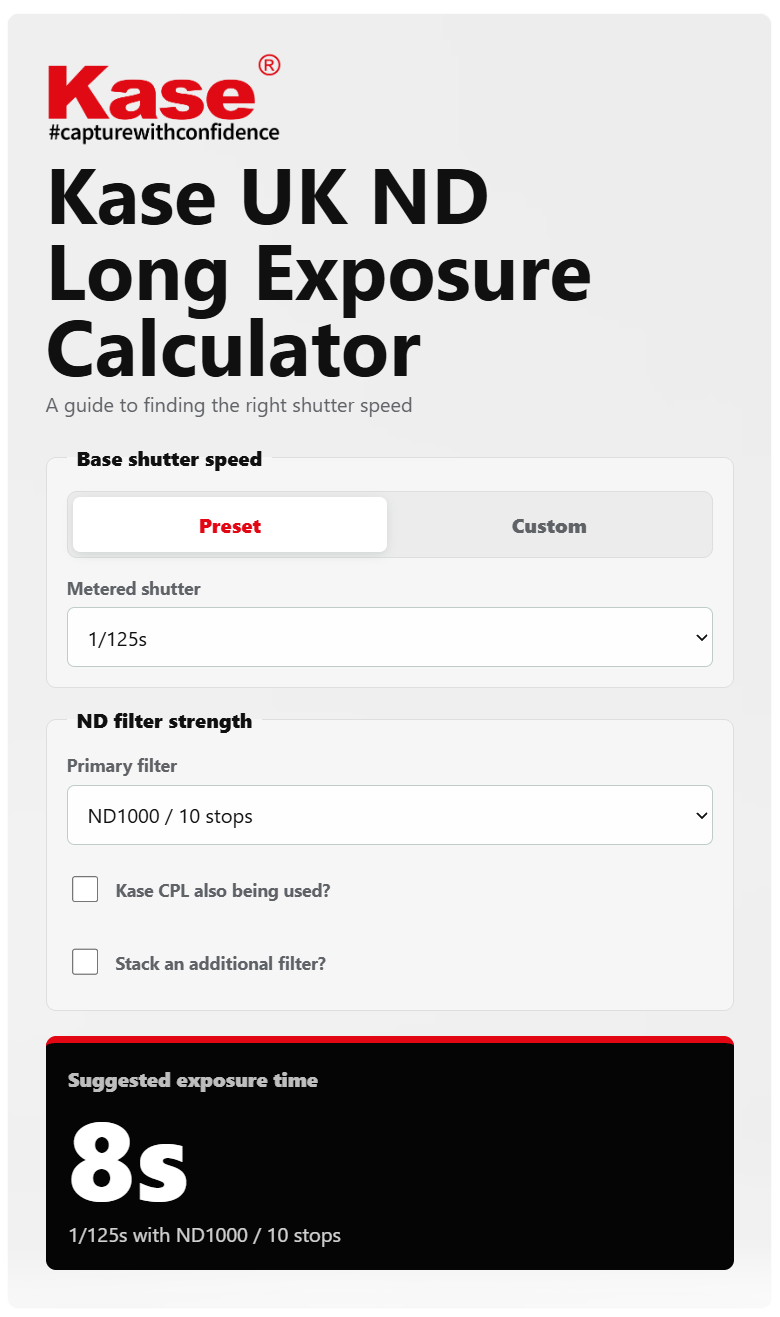
Kase UK ND Long Exposure Calculator
Take the guesswork out of long exposure photography.
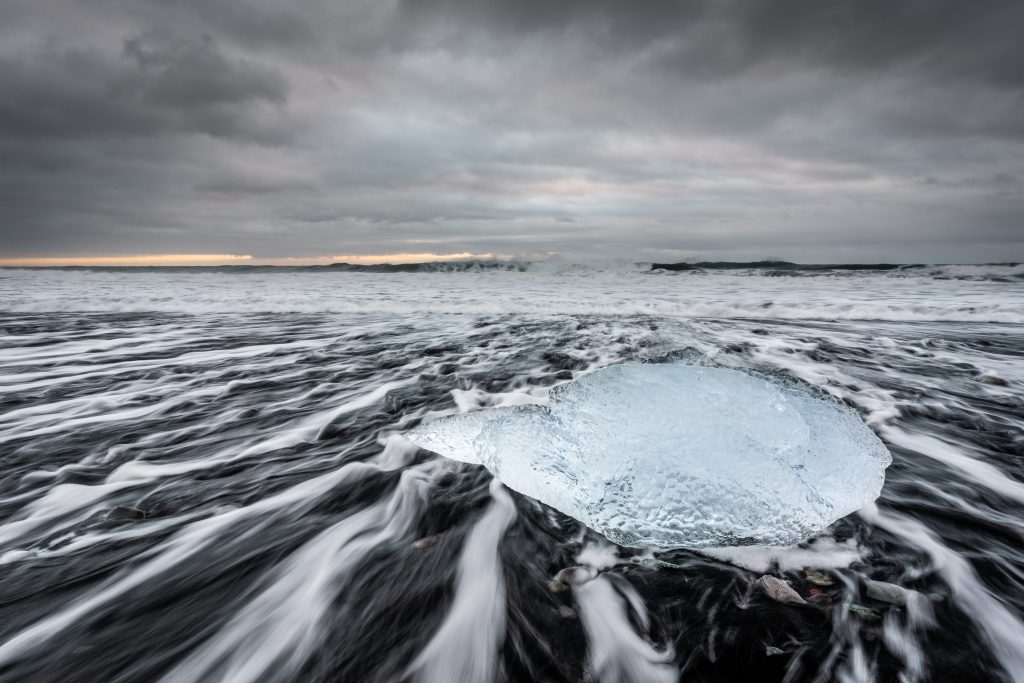
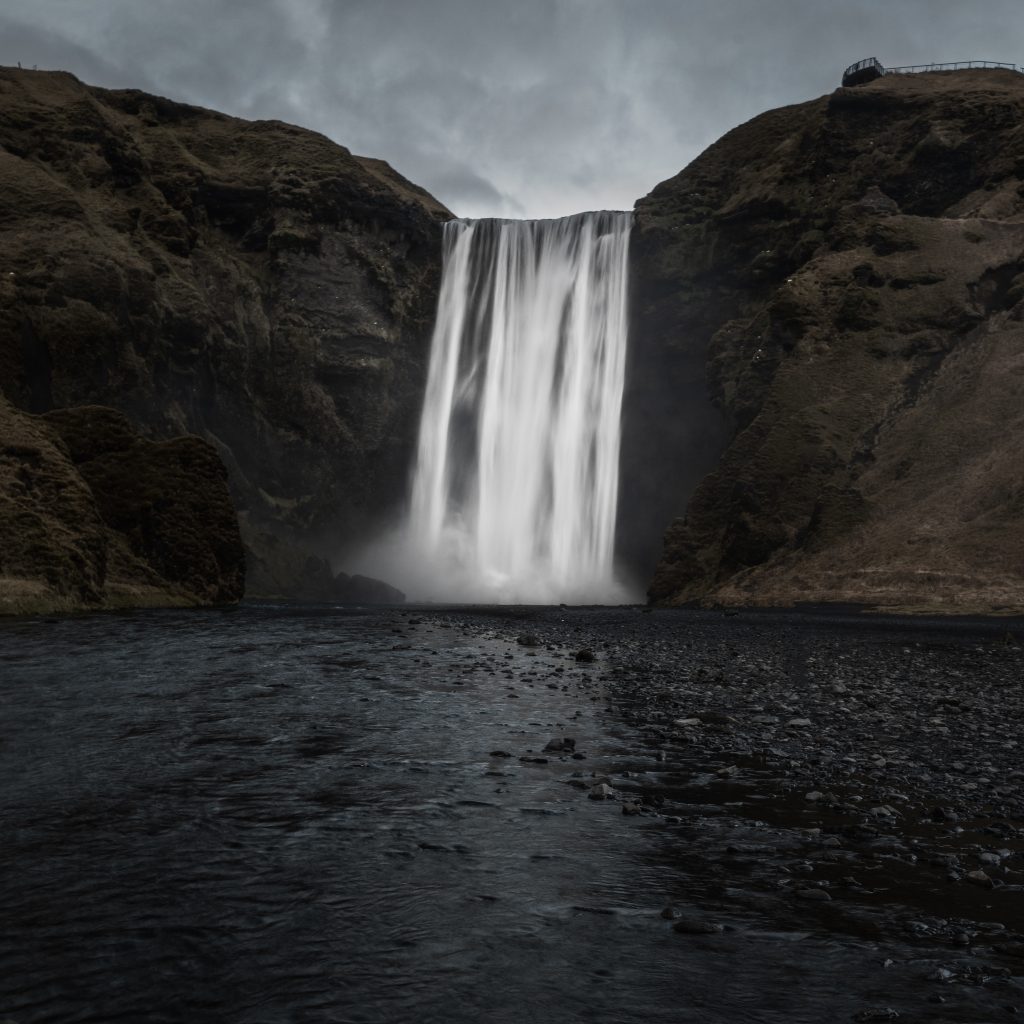
Whether you’re smoothing water, softening clouds, removing movement from a busy scene, or creating that clean, minimalist long exposure look, choosing the right shutter speed can be tricky once an ND filter is fitted.
The Kase UK Long Exposure Calculator makes it simple. Just enter your metered shutter speed, choose the ND filter you’re using, add a CPL or stacked filter if needed, and the calculator will instantly suggest the correct exposure time.
It’s designed to be quick, clear, and easy to use in the field, whether you’re shooting on the coast, in the mountains, in the city, or anywhere the light is changing fast.
Why Use The Calculator?
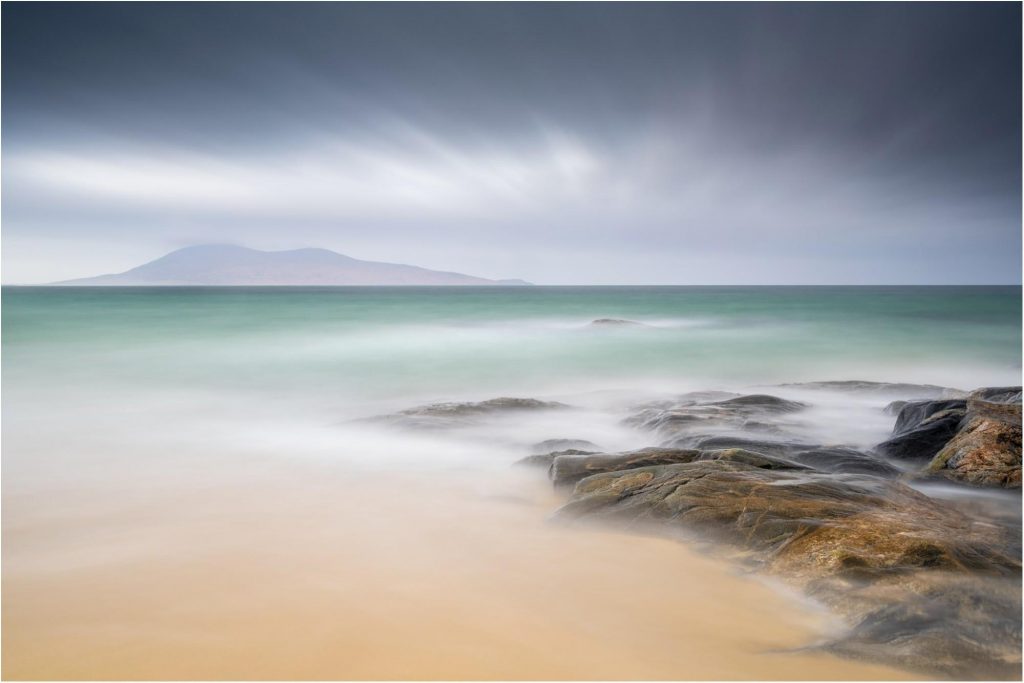
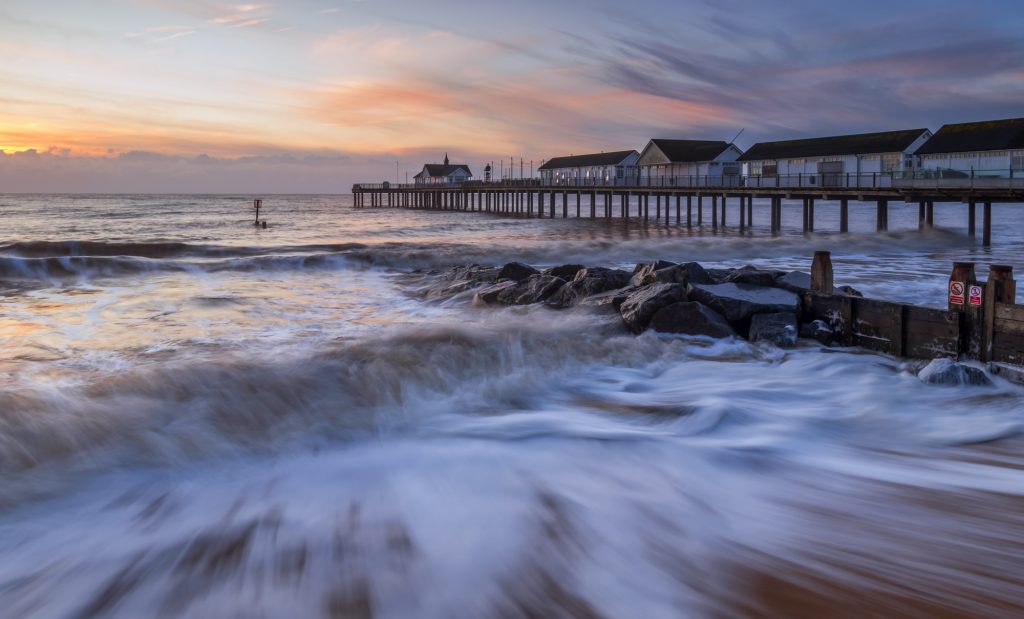
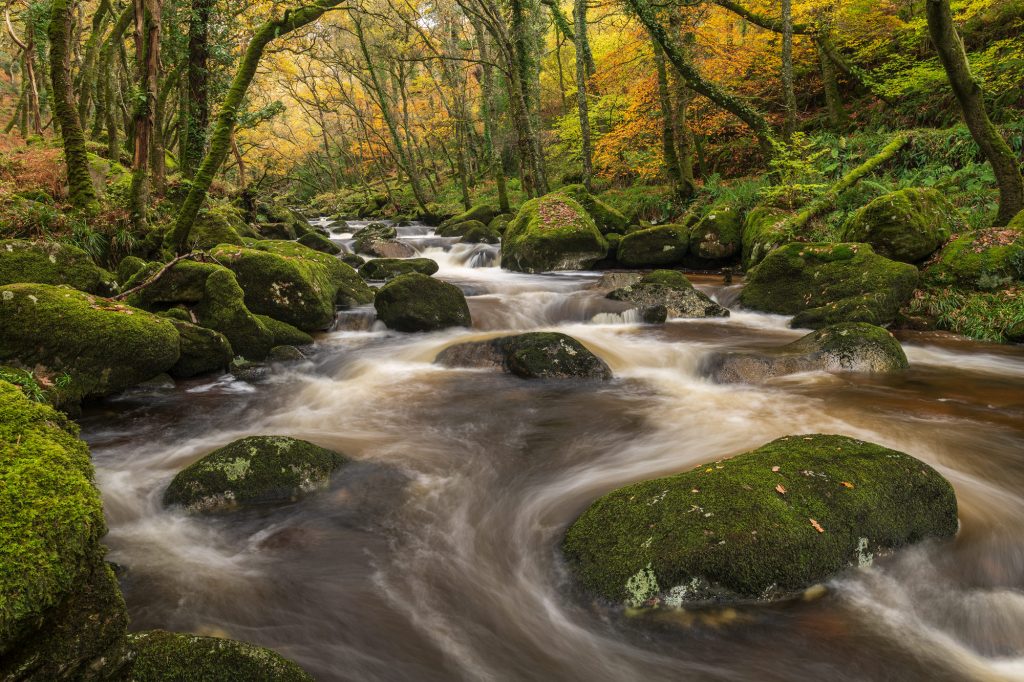
Neutral Density filters reduce the amount of light entering your lens, allowing you to use longer shutter speeds in bright conditions. This is perfect for creative effects such as:
- Smooth, misty water
- Soft, streaking clouds
- Cleaner architectural shots
- Reduced movement in busy locations
- More controlled exposure in bright light
Instead of counting stops or working it out manually, the calculator does the maths for you.
How To Use The Calculator
1. Choose Your Base Shutter Speed
Start by selecting your camera’s metered shutter speed from the Base shutter speed list.
This should be the shutter speed your camera recommends before fitting the ND filter.
For example, if your camera meters the scene at 1/125s, choose 1/125s from the list.
2. Use Custom If Needed
If your exact shutter speed is not shown, tap Custom and enter your own shutter speed.
You can enter values in seconds or minutes, making it useful for both short and very long exposures.
3. Select Your Primary ND Filter
Choose the ND filter you are using from the Primary filter list.
For example:
- ND8 / 3 stops
- ND64 / 6 stops
- ND1000 / 10 stops
- ND32000 / 15 stops
The calculator will use this filter strength to work out the correct exposure time.
4. Add A Kase CPL If You’re Using One
If you are also using a Kase CPL, tick:
Kase CPL also being used?
The calculator will include the extra light reduction from the CPL in the final exposure suggestion.
5. Stack Another Filter If Required
If you are stacking a second ND filter, tick:
Stack an additional filter?
Then choose the second filter from the list.
This is useful when you need a stronger long exposure effect, especially in bright daylight.
6. Read Your Suggested Exposure Time
The app will automatically show your Suggested exposure time.
This is the shutter speed to manually set once your selected filter setup is fitted to the lens.
7. Use The Quick Reference Table
The Quick Reference table lets you quickly compare common ND filter strengths, stop values, and exposure factors.
Install The Calculator For Offline Use
You can install the calculator on your phone, tablet, or desktop so it opens like a normal app.
Once it has loaded online for the first time, it should then be available for offline use, making it ideal for shooting locations with poor signal.
Android
- Open the calculator in Google Chrome.
- Tap the three dots menu in the top right.
- Tap Add to Home screen or Install app.
- Confirm by tapping Install or Add.
- Open the calculator from your home screen.
- Let it load once while online, then it should be available offline.
iPhone / iPad
- Open the calculator in Safari.
- Tap the Share button.
- Scroll down and tap Add to Home Screen.
- Tap Add.
- Open the calculator from your home screen.
- Let it load once while online, then it should be available offline.